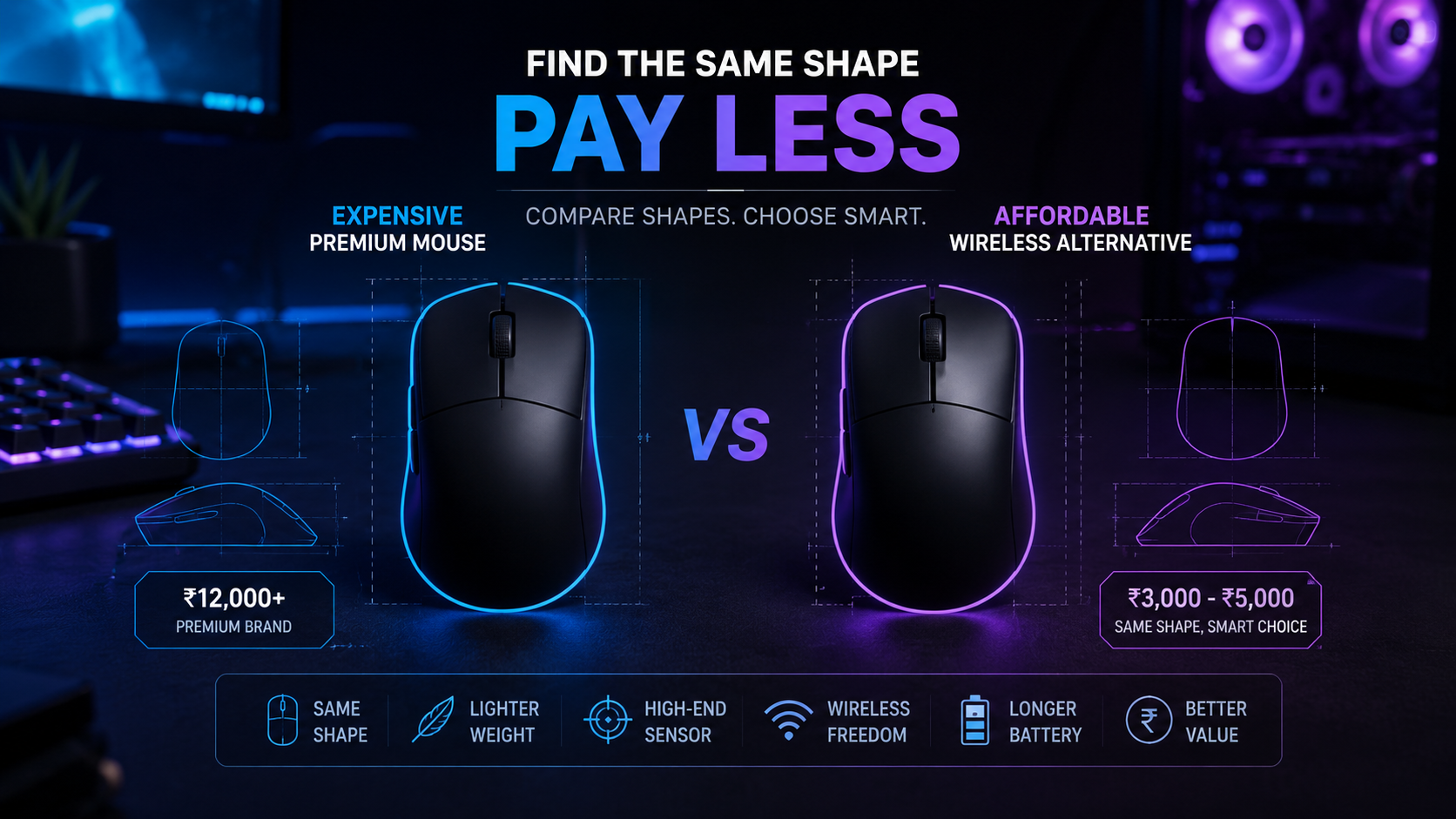
How to Find Cheaper Alternatives to Logitech and Razer Gaming Mice
Expensive gaming mice are great, but the shape matters more than the logo. Here’s how I used EloShapes to find a cheaper Viper Mini-style alternative like the ATK F1.
Nitin Varshney
10 June 202620 min read
Advertisement
Introduction
Buying a gaming mouse has become confusing now.
Earlier, you just picked Logitech, Razer, SteelSeries, or Zowie and moved on. But today, there are so many new brands like ATK, VXE, VGN, MCHOSE, Zaopin, Darmoshark, Lamzu, and many more. Some of these are much cheaper than premium models, but they still offer great sensors, low weight, wireless performance, and sometimes even better specs than older expensive mice.
The biggest problem is this: how do you know if the shape will fit your hand?
Because in gaming mice, shape is everything.
A ₹10,000 mouse with a bad shape for your hand will feel worse than a ₹3,000–₹5,000 mouse that fits perfectly. That is where EloShapes becomes very useful.
EloShapes is a website that helps you compare gaming mouse shapes, dimensions, weight, sensors, switches, polling rate, and similar alternatives. Basically, if you love one mouse shape but it is too expensive, discontinued, or not available in your country, EloShapes can help you find another mouse with a similar shape.
What Is EloShapes?
EloShapes is a gaming mouse comparison website where you can compare different mouse shapes visually.
You can search for a mouse, compare it with another model, and see how close the dimensions are. It shows important details like:
Length
Width
Height
Weight
Shape category
Hump placement
Side curvature
Sensor
DPI
Polling rate
Switches
Encoder
Connectivity
Similar mouse recommendations
The best part is the visual shape comparison. Instead of guessing from photos, you can actually compare the outline and size of two mice.
Advertisement
Share:
Nitin Varshney
The LazyCore editorial team covering the latest in tech, AI, and digital innovation.
Related Articles
Comments
Comments powered by Giscus will appear here when configured.
So if you already like one mouse, you can use it as your reference and find cheaper alternatives.
My Example: Finding a Logitech G Pro X Superlight Alternative
A good example is the Logitech G Pro X Superlight.
It is one of the most popular gaming mice, especially for FPS players. The shape is safe, lightweight, wireless, and comfortable for many grip styles. But the problem is the price. Logitech mice are usually expensive, and not everyone wants to spend that much on a mouse.
So instead of blindly buying the original, I searched the shape on EloShapes.
After comparing similar mice, I found the ATK A9 series, especially models like the ATK A9 Plus and ATK A9 Ultra, which are clearly inspired by the Logitech G Pro X Superlight style of shape.
This is where EloShapes becomes useful. You can compare the mouse outline, size, height, grip feel, weight, sensor, switches, and polling rate before buying. So instead of paying only for the Logitech name, you can check if a cheaper mouse gives you a similar shape and maybe even better specs.
That does not mean every clone is better. Logitech still has strong build quality, software, warranty, and brand trust. But if your main priority is shape, weight, and value for money, then alternatives like ATK, VXE, MCHOSE, and similar brands can make a lot of sense.
Step 1: Search for the mouse shape you already like
Go to EloShapes and search for the mouse you already know you like.
For example:
Razer Viper Mini
Logitech G Pro X Superlight
Razer DeathAdder V3
Zowie EC2
Logitech G305
Razer Viper V3 Pro
This will be your base mouse.
If you have used that mouse before and liked the grip, it becomes easier to find a similar alternative.
Step 2: Use the Compare or Find Similar feature
After opening your mouse, use the comparison or similar mouse option.
This is where EloShapes becomes useful. It will show you mice with close dimensions and similar shapes.
Do not only look at one number. Compare the full shape.
Check:
Is the length close?
Is the width close?
Is the height close?
Is the hump in the same place?
Are the sides curved similarly?
Is it symmetrical or ergonomic?
Is the weight better or worse?
A mouse can have the same length but a very different hump or side curve. So always check the shape properly.
Step 3: Compare premium vs budget options
Now search for cheaper alternatives from brands like:
ATK
VXE
VGN
MCHOSE
Zaopin
Delux
Darmoshark
Ajazz
Incott
For example, if you like Logitech G Pro X Superlight, you can compare it with mice from MCHOSE or VXE. If you like Razer Viper Mini, you can compare it with ATK F1 or Delux-style alternatives.
This is where you can save money.
Sometimes the expensive mouse has brand value, but the cheaper mouse may offer:
Lower weight
Better sensor
4K or 8K polling
Better stock feet
Type-C charging
Good coating
More color options
Of course, build quality and after-sales support may vary, so do not blindly buy only by specs.
Step 4: Check specs, but do not overfocus on DPI
Many mice advertise very high DPI, but that is not the main thing.
For most people, sensor quality, click feel, shape, wireless stability, and weight matter more.
When comparing on EloShapes, check:
Sensor model
Polling rate
Weight
Connectivity
Switch type
Battery size
Mouse feet
Shape category
A 26K or 42K DPI number sounds cool, but most gamers use 400, 800, 1600, or 3200 DPI. So do not buy only because of the biggest DPI number.
Step 5: Check real user reviews before buying
EloShapes is great for shape and specs, but before buying, also check real reviews.
Search on:
Reddit
YouTube
MouseReview communities
Indian stores reviews
Discord communities
Amazon or local seller reviews
Budget gaming mice can be amazing, but quality control may vary. One batch can be perfect, another can have click wobble or sensor issues. So always check recent reviews before buying.
Also check if the seller provides warranty in India.
Why Cheaper Shape Alternatives Make Sense
Premium gaming mice are great, but not everyone wants to spend ₹10,000–₹15,000 on a mouse.
For many people, a ₹3,000–₹6,000 mouse with the right shape is a better buy.
This is especially true when:
Your favorite mouse is discontinued
The original model is overpriced
You want wireless but the original was wired
You want lighter weight
You want modern specs
You are experimenting with shapes
You play FPS games and want better control
Are ATK, VXE, and MCHOSE Clones Bad?
Not always.
The word “clone” sounds negative, but in the mouse community, it usually means a mouse has a shape inspired by a popular model.
Some clones are cheap and bad. But some are actually very good.
Brands like ATK, VXE, and MCHOSE are getting attention because they offer good specs at a lower price. Some models are lightweight, have solid sensors, and support high polling rates. For the price, they can be excellent.
The important thing is to understand what you are buying.
Do not buy just because someone says “Logitech clone” or “Viper Mini clone.” Instead, compare the shape, check the specs, and read reviews.
If the shape matches your hand and the build quality is good, it can be a smart purchase.